IPTV Keeps Disconnecting on Smart TV? 9 Checks
IPTV keeps disconnecting on your Samsung, LG or Android TV? Use these nine checks to isolate player, Wi-Fi, TV, account and stream problems safely.
Read guideTurn your Samsung, LG, or Android Smart TV into a premium television hub. Learn which native player applications perform best on Tizen OS, webOS, and Google TV, how to configure Xtream Codes API credentials, and how to stream live UK sports and entertainment in fluid 4K Ultra HD without clutter or extra hardware.
Resolution
4K UHD • 60fps
Compatibility
Samsung, LG, Android
Hardware Needed
Zero External Boxes
Guide Data
7-Day UK EPG
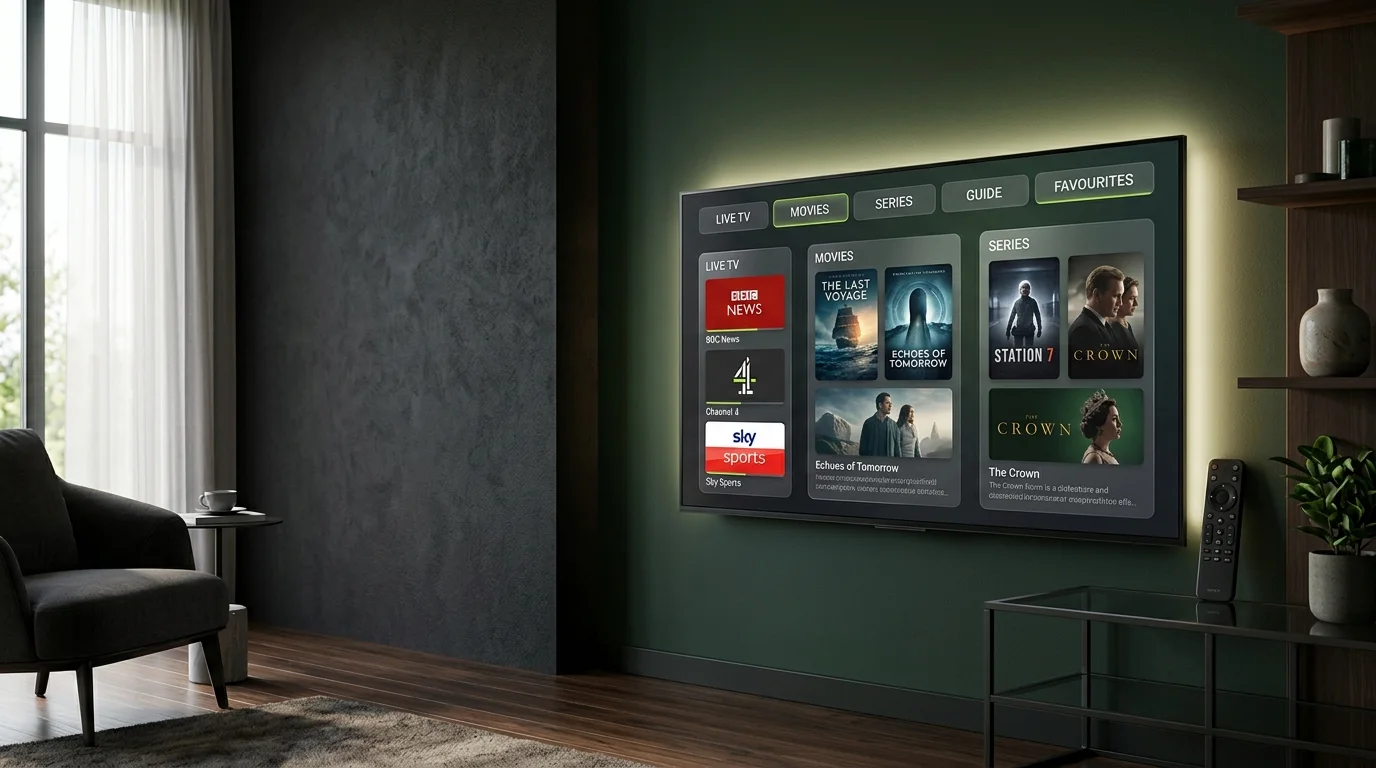
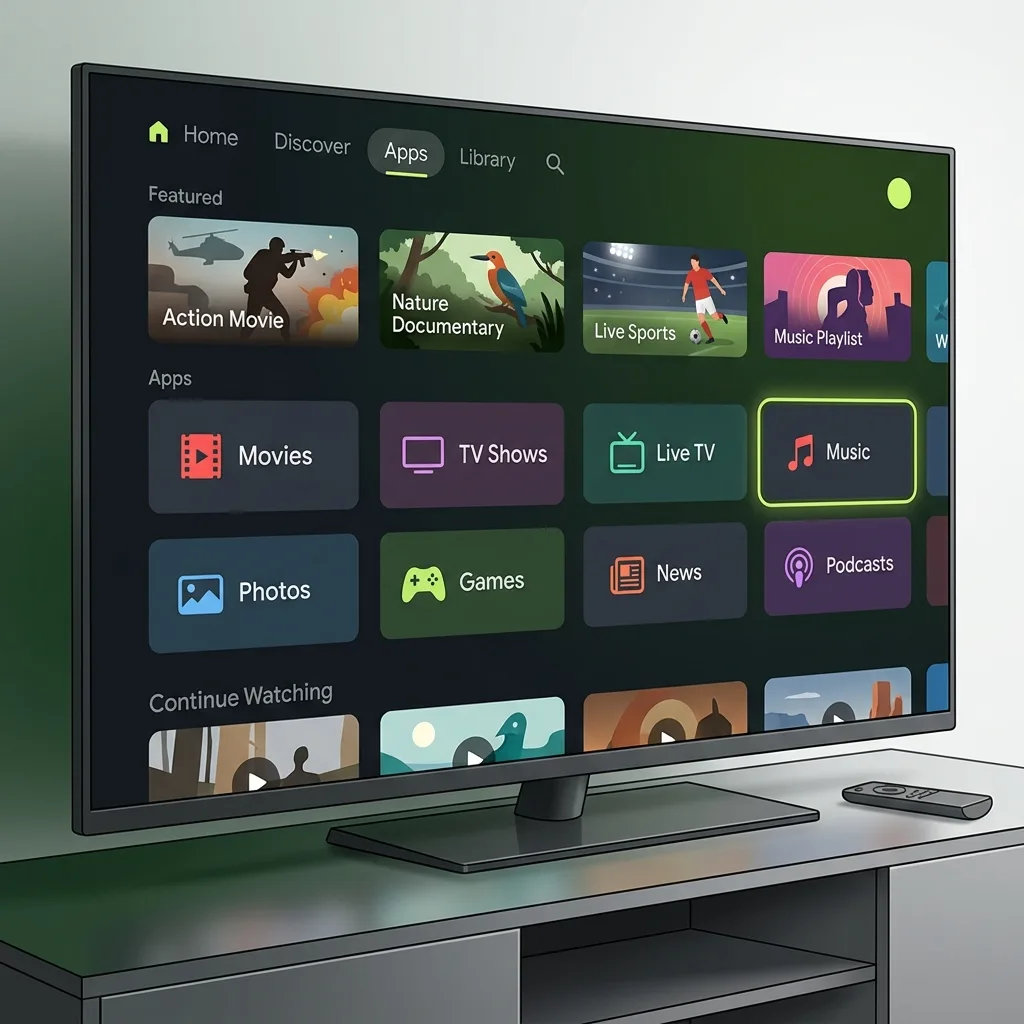
Native Smart TV playback delivers ultra-crisp sports and live broadcasts straight through your television display with zero cables and zero HDMI switches.
Quick Answer
Yes, absolutely. All major modern Smart TVs sold in the UK — including Samsung (Tizen), LG (webOS), and Android TV / Google TV models — can stream IPTV directly without extra hardware.
Smart TVs run media player applications (such as IBO Player, IPTV Smarters Pro, or Smart IPTV) downloaded from the TV’s official app store. The application decodes the digital stream; your playlist link, Xtream Codes credentials, and channel lineup are supplied by your TVPrime4K subscription.
Platform Ecosystem
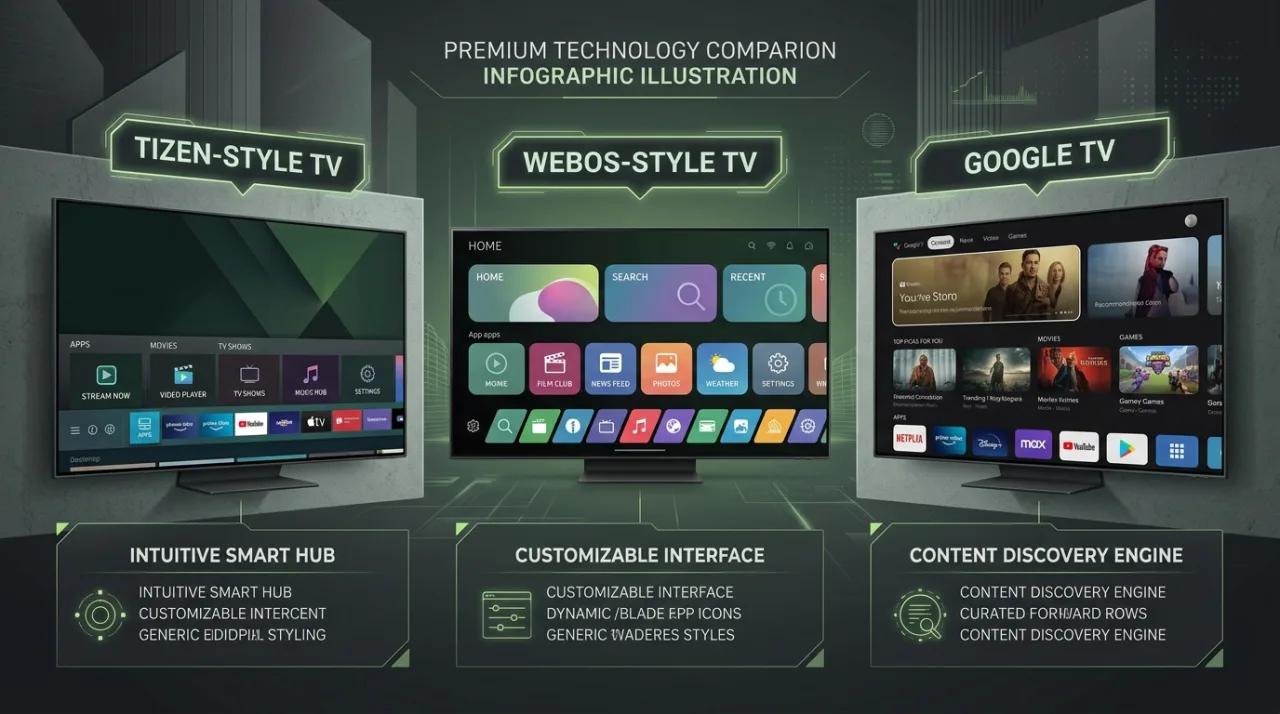
Every Smart TV operating system handles media playback slightly differently. Jump to your specific television system to discover recommended players and step-by-step setup guidance.
Samsung Smart Hub
Found on all Samsung Smart TVs. Uses the Samsung Smart Hub store. Requires MAC portal activation for player apps like IBO Player.
Dedicated Samsung Guide →LG Content Store
Powering LG OLED, QNED, and NanoCell TVs. Smooth Magic Remote support, fast hardware decoding, and versatile player portal upload.
LG webOS Guide →Google Play Store
Sony Bravia, Philips, TCL, Hisense, and Nvidia Shield. Highest flexibility with native TiviMate and Smarters support plus sideloading.
Android TV Guide →Alternative Approach
Plug an Amazon Fire TV Stick into any TV HDMI port. Perfect for older TVs that lack RAM or cannot download modern IPTV apps.
Compare Stick vs Native →Platform Comparison
While all platforms can play live IPTV streams, their operating system constraints determine which player apps are accessible and how playlists are loaded.
| Smart TV OS | Recommended Players | Setup Method | Sideloading | Overall Score |
|---|---|---|---|---|
| Samsung (Tizen) Smart Hub | IBO Player, Smart IPTV, Nanomid | MAC Portal / Web Upload | No (Restricted) | 8.5 / 10 |
| LG (webOS) Content Store | IBO Player, Smart IPTV, Nanomid | MAC Portal / Web Upload | No (Restricted) | 8.5 / 10 |
| Android TV / Google TV Play Store | TiviMate, IPTV Smarters Pro, XCIPTV | Direct On-Screen Xtream Codes | Yes (Full Support) | 9.8 / 10 |
| Fire TV Stick (via HDMI) Amazon Appstore | TiviMate, IPTV Smarters Pro, Downloader | Direct On-Screen / Downloader | Yes (Full Support) | 9.5 / 10 |
App Evaluation
Choosing the right player app ensures fast channel zapping, clear TV guides, and zero playback stuttering. Here is our assessment of the leading Smart TV applications.
The most widely recognized cross-platform IPTV application. Offers clean separation between Live TV, Movies, and Series, plus built-in multi-screen viewing and parental controls.
Unrivalled broadcast-style television guide engineered specifically for large TV screens and remote controls. Supports fast channel zapping, catch-up, and multi-view.
The premier native choice for Samsung Smart TVs and LG webOS. Lightweight, fast buffer engine, and simple web portal activation via TV Device ID and MAC address.
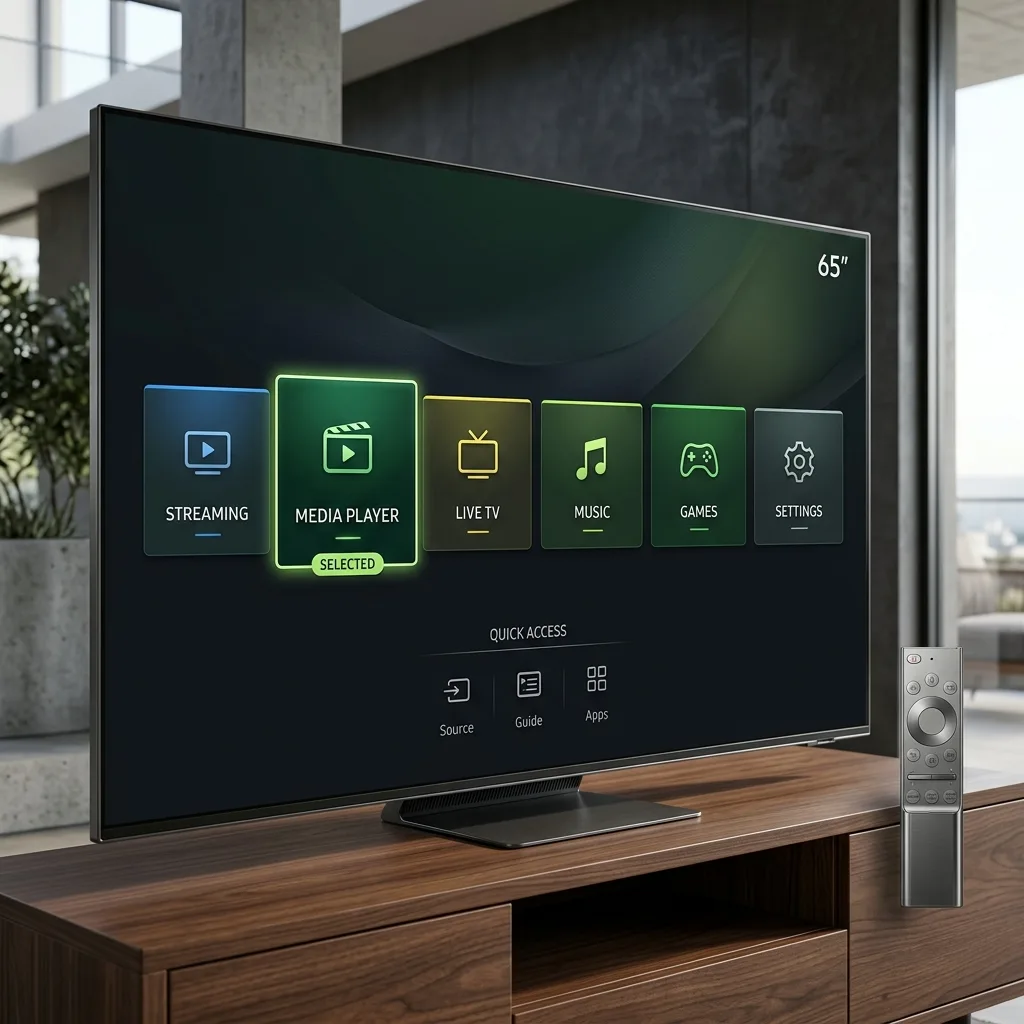
Samsung televisions run Samsung's proprietary Tizen OS. Because Tizen is not Android-based, Android APK files cannot be sideloaded. Instead, you install an approved media player from the official Samsung Smart Hub.
IBO Player or Smart IPTV.
PRO TIP FOR SAMSUNG TVS
If you encounter frame judder during high-action sports, enter your Samsung TV Picture Settings > Expert Settings > Picture Clarity Settings and set Judder Reduction to 0 or Custom. Connect via wired Ethernet for flawless 60fps streams.
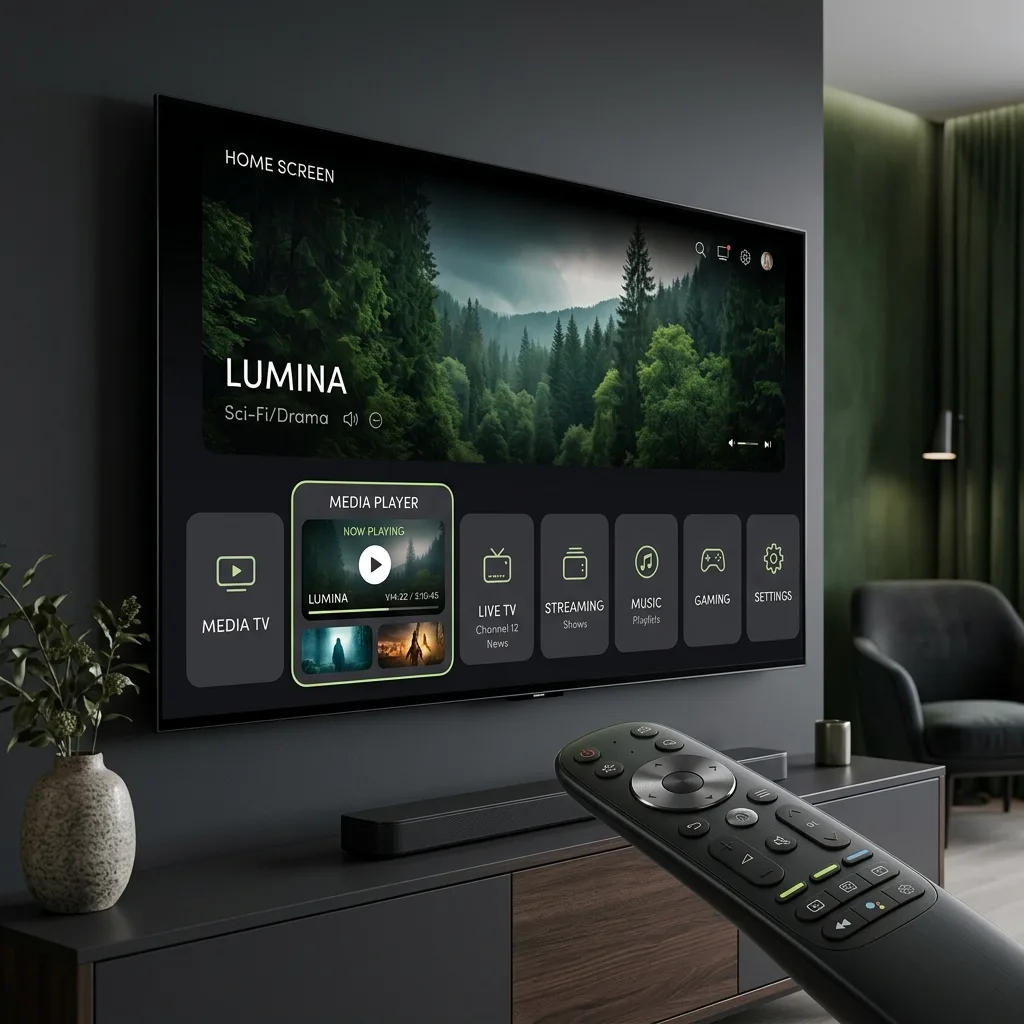
LG Smart TVs utilize LG webOS. Known for its fluid Magic Remote pointer navigation and stunning OLED black levels, webOS offers several high-performance media players in the LG Content Store.
IBO Player, install it, and launch the application.
MAGIC REMOTE ADVANTAGE
On LG webOS, the Magic Remote scroll wheel allows lightning-fast navigation through long channel lists, while the on-screen pointer makes selecting audio tracks and subtitles effortless.
Televisions powered by Android TV and Google TV (Sony Bravia, Philips, TCL, Hisense, Sharp) offer the most versatile and customizable IPTV environment available on any display.
TiviMate IPTV Player or IPTV Smarters Pro and install directly.
Simple Configuration
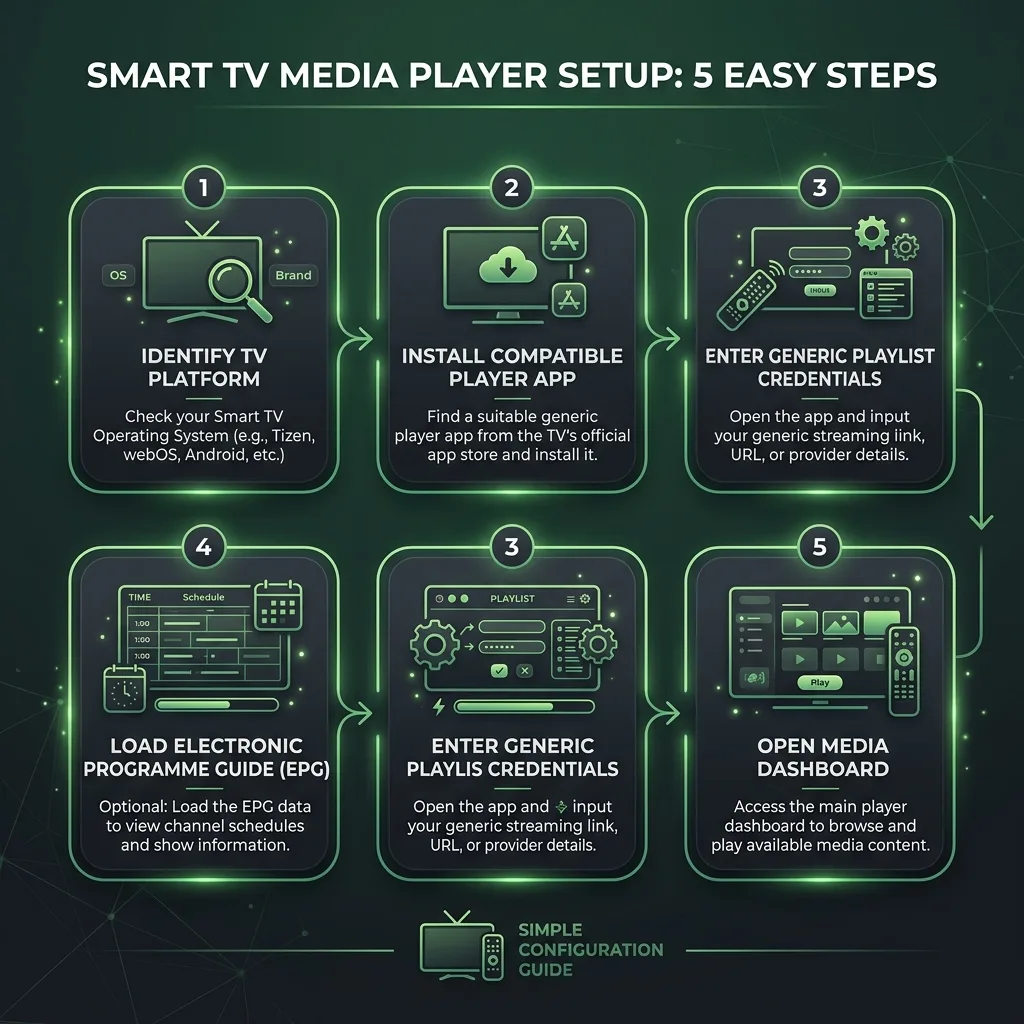
Regardless of your Smart TV manufacturer, setting up your IPTV connection follows the same logical five-step path.
Check whether your television runs Samsung Tizen, LG webOS, or Android TV / Google TV in system settings to select the right application store.
Download an approved player: IBO Player for Samsung and LG, or TiviMate / IPTV Smarters Pro for Android TV displays.
Insert your TVPrime4K connection details using Xtream Codes API (Server URL, Username, Password) or upload your M3U link via the player web portal.
Allow the application to download 7-day UK schedule data so you can view programme timelines, episode synopses, and live event start times.
Start watching live 4K channels, catch up on missed broadcasts, and organize your favorite sports and cinema categories with ease.
Connection Protocols
Understanding the three common connection methods helps you choose the fastest and most stable setup on your Smart TV.
Uses 3 clean parameters: Server URL, Username, and Password.
A single web link pointing to your cloud-hosted channel list.
Links your physical TV hardware ID to your cloud playlist.
Hardware Dilemma
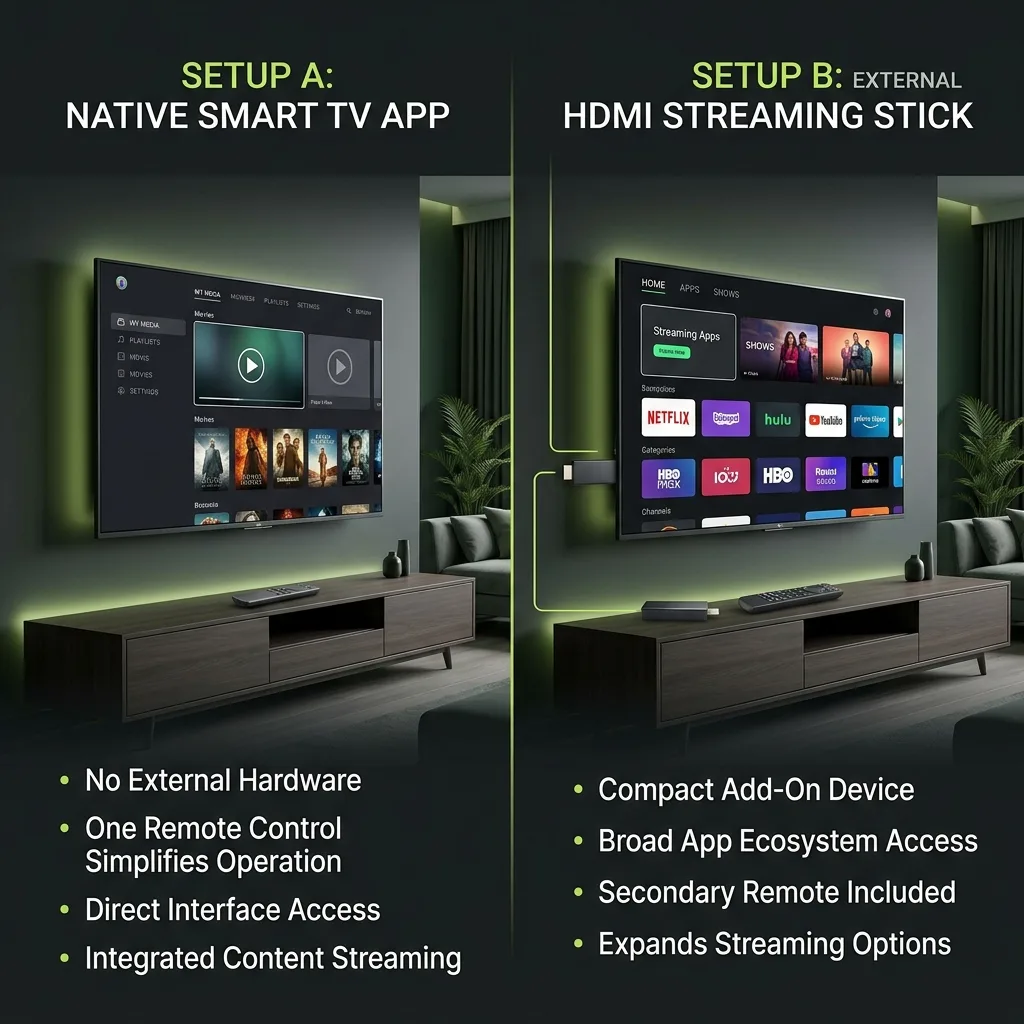
Both approaches have clear advantages. Here is how to decide whether to stream natively on your television or plug in an external streaming stick.
Network Engineering
Even the fastest Smart TV will buffer if local network conditions degrade. Follow these recommendations for buffer-free 4K sports streaming across UK internet providers.
TV Wi-Fi antennas are often blocked by metal wall mounts. A direct Cat6 Ethernet cable eliminates local radio jitter and interference entirely.
Aim for 15 Mbps minimum for 1080p 50fps and 25–35 Mbps steady throughput for uncompressed 4K Ultra HD broadcasts.
Disable automated content filters in your ISP customer portal (e.g. BT Web Protect, Sky Broadband Shield, Virgin Web Safe).
Periodically clear the cache of your Smart TV player app to remove accumulated EPG thumbnails and channel icons.
Diagnostic Help
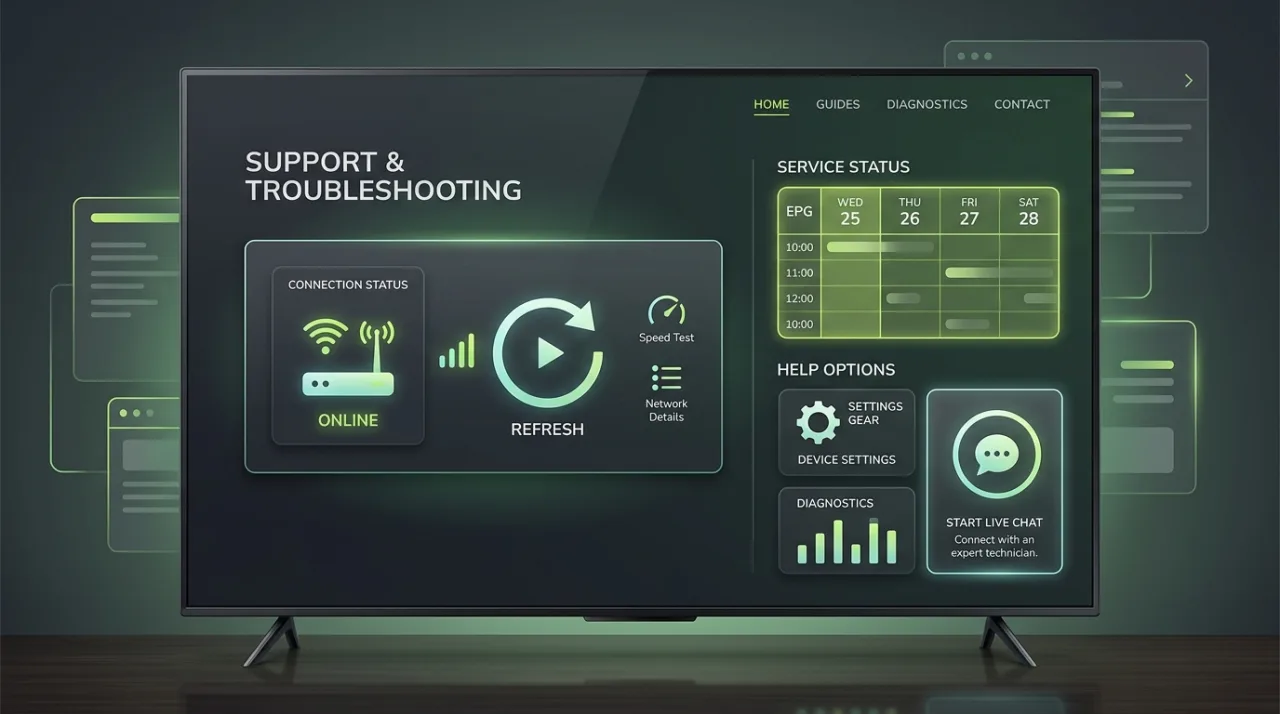
Running into an unexpected error, playback freeze, or missing guide data? These 6 verified solutions resolve 98% of Smart TV issues.
Cause: Low RAM on the Smart TV or corrupted local temporary cache files.
Check: Check if the TV has multiple background apps open in the background memory manager.
Cause: Wi-Fi signal degradation, 2.4 GHz frequency congestion, or ISP peering limits.
Check: Run a network speed test within the TV browser. Ensure latency is below 30ms and speed is above 25 Mbps.
Cause: Hardware video decoder incompatibility with HEVC/H.265 50fps stream format.
Check: Check whether standard definition or 720p channels display properly while 4K channels produce black screens.
Cause: TV system clock or timezone mismatch, or stale EPG cache.
Check: Verify that your TV date, clock, and timezone (e.g. Europe/London) are set to "Network Automatic".
Cause: Typo in TV MAC address or Device Key when registering on the player portal.
Check: Confirm whether MAC address letters (A-F) are entered correctly without confusing 0 (zero) and O (letter).
Cause: Regional store restrictions on Samsung Smart Hub or LG Content Store for that TV model year.
Check: Search by exact keywords: "IBO Player", "Smart IPTV", "Nanomid", or "Smarters".
Decision Guide
Match your television hardware and watching habits to the optimal setup path.
Keep things neat and wire-free. Install IBO Player from the official TV store and activate via web portal.
Best: Native TV AppDownload TiviMate or IPTV Smarters Pro from Play Store. Enjoy direct Xtream Codes login.
Best: TiviMate / SmartersAvoid slow menus and RAM limits. Plug an Amazon Fire TV Stick 4K into HDMI for silky smooth 60fps streaming.
Best: Firestick 4K Add-onHelpful guides
Use these guides to diagnose Smart TV connection, player and playback issues before resetting your setup.
IPTV keeps disconnecting on your Samsung, LG or Android TV? Use these nine checks to isolate player, Wi-Fi, TV, account and stream problems safely.
Read guideIPTV Smarters login failed on Firestick or Smart TV? Check credentials, portal URL, account status, cache, VPN, DNS and provider issues in the right order.
Read guideSubscription Plans
Connect TVPrime4K to any Smart TV with instant activation. Every plan includes full access to live UK sports, entertainment, movies, and automated 7-day EPG data.
1 Month
£9.99
1 screen
Connections
Simultaneous streams
3 Months
£19.99
£6.66 a month · 1 screen
Connections
Simultaneous streams
6 Months
£36.99
£6.17 a month · 1 screen
Connections
Simultaneous streams
12 Months
Most Popular£49.99
£4.17 a month · most chosen
Connections
Simultaneous streams
24 Months
Best Value£89.99
£3.75 a month · 1 screen
Connections
Simultaneous streams
Experience crystal-clear 4K sports, rapid channel switching, and complete UK EPG schedules on your own Samsung, LG, or Android television before choosing a subscription.
Frequently Asked Questions
Got questions about setting up IPTV on your Samsung, LG, or Android Smart TV? Find clear answers below.
Join thousands of UK viewers enjoying premium live sport, entertainment, and on-demand cinema straight through their Samsung, LG, or Android TV. Fast activation, 99.9% uptime, and 24/7 expert customer care.
Instant automated credentials delivery • No contract • Cancel anytime • 24/7 UK WhatsApp & Telegram support
Samsung, LG and Android TV use different app stores. Check the player compatibility guide before setup.
Need a hand?